

MFD-7 Live Plane Radar
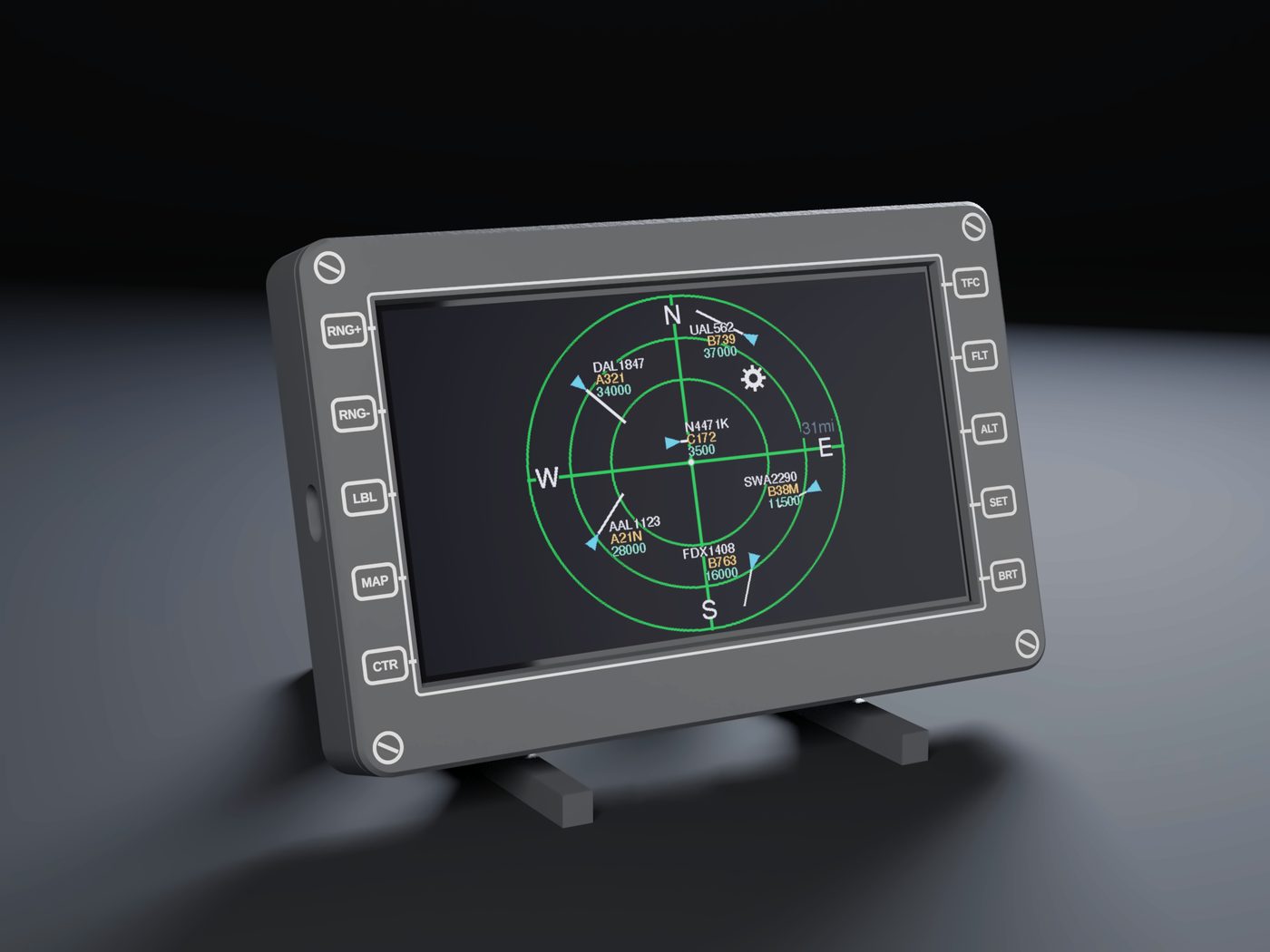
A 7 inch touchscreen that shows the aircraft flying around your home. Tap a plane to see what it is, where it is going, and a photo of it.
Coming soon on AmazonNo app, no account, no subscription.
What it does
Live radar
Aircraft near your home, updated about every second, with callsign, type and altitude beside each one.
Tap for details
Type, altitude, speed, registration, operator, route and a photo. Tap the photo to see it full screen.
Pan, zoom, trails
Drag to move around, zoom between range rings, and turn on trails to see where each plane came from.
Map and runways
An optional dark map background for the USA and Canada, and a runway overlay for major airports nearby.
Alerts
An optional beep when a military or emergency-squawk aircraft appears.
Made for a desk
Adjustable brightness and a sleep timer, so it can sit on a nightstand.
Setup takes a few minutes
- Plug in the USB-C cable.
- On your phone, join the Wi-Fi network PlaneRadar-Setup.
- Pick your home Wi-Fi, enter its password and your location, then save.
It needs a 2.4 GHz Wi-Fi network. Most home routers offer one alongside the 5 GHz network. After setup you can change settings from any browser at plane-radar.local.
Need more detail? See the setup guide.
Built like a cockpit display
The enclosure is 3D printed in PETG and styled after the multi-function displays in glass cockpits, with engraved soft-key labels. There are no visible screws: the bezel slides over the back plate and clicks in place. A desk stand holds it at a 15 degree angle, and VESA 75 holes on the back fit standard monitor arms.
Specs
| Screen | 7 inch touchscreen, 800 x 480 |
| Size | 196 x 125 x 24 mm (7.7 x 4.9 x 0.95 in), without stand |
| Power | USB-C, 5 V |
| Mounting | Desk stand, or VESA 75 holes on the back |
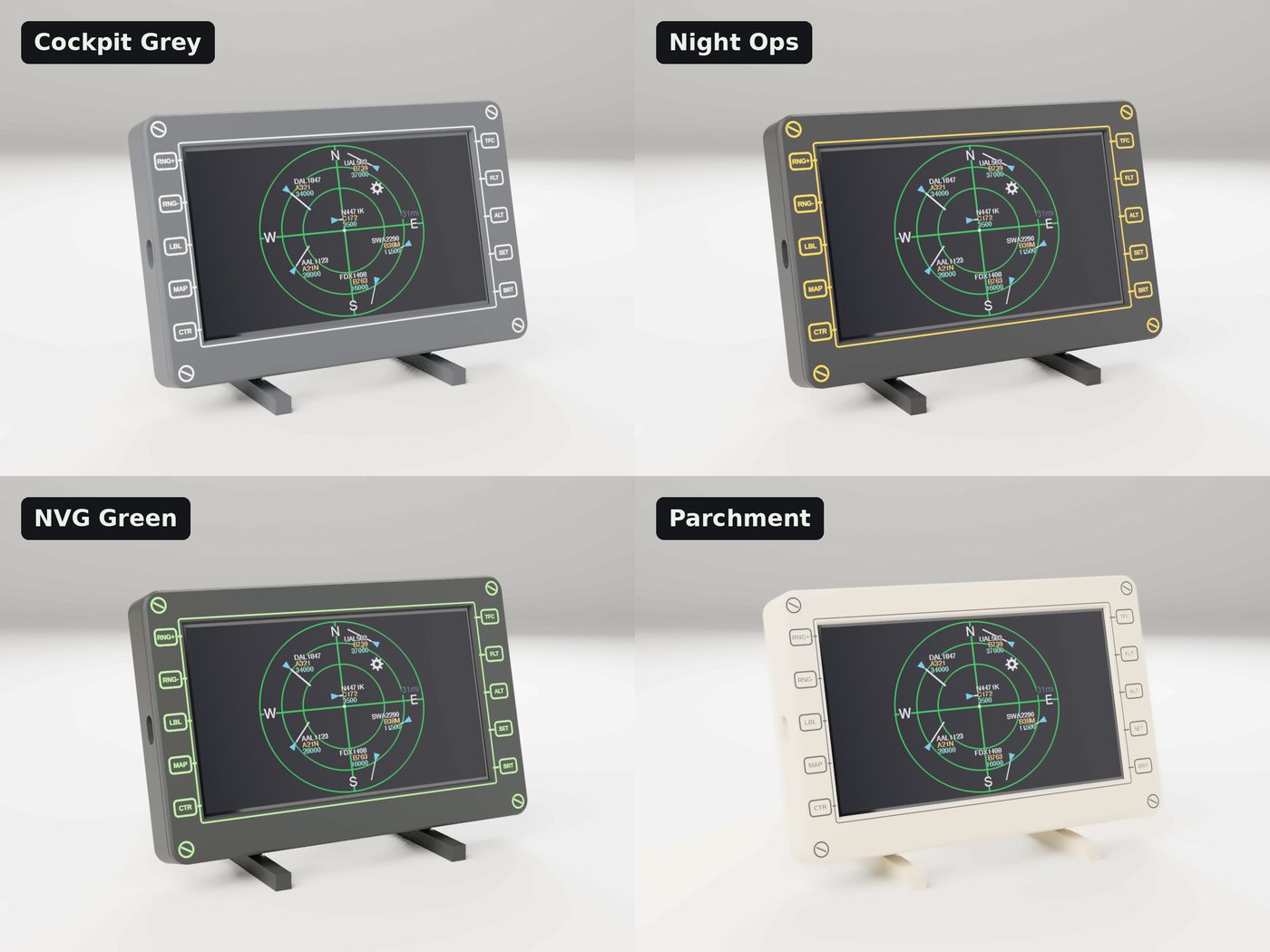
| Material | PETG, multi-color printed legends |
| Needs | 2.4 GHz Wi-Fi and an internet connection |
Questions
Do I need an app or a subscription?
No. Setup happens in your phone's browser and there are no monthly fees.
Does it need its own ADS-B antenna?
No. All it needs is an internet connection.
Will every plane show up?
Most aircraft with an ADS-B transmitter, which includes nearly all airliners, show up. Some small planes and older aircraft don't carry one.
Will it work on 5 GHz-only Wi-Fi?
No. The display needs a 2.4 GHz network. Most routers broadcast both.
Why do some planes have no photo?
Photos come from public aircraft photo databases. Rarer aircraft and some private planes do not have one yet.
Does it work outside the US?
It works anywhere with 2.4 GHz Wi-Fi and community ADS-B coverage. The optional map background covers the USA and Canada. Elsewhere you still get the radar, aircraft details and photos, without the map layer.
Can I get a custom color or engraving?
Yes. Email support@beyondparchment.com.
Get one
Coming soon on Amazon